










The best alternative to Helpie FAQ is usually the plugin that gives your team a cleaner long-term workflow, not just a different accordion style. Most teams do not switch because their current FAQ plugin completely fails. They switch because editing gets slower, the support section becomes harder to maintain, or the site needs a more flexible way to publish answers across product, sales, and help pages.
For many WordPress teams, WordPress Ultimate FAQs is a better alternative to Helpie FAQ when the goal is to simplify publishing, keep FAQ content searchable, and build a support layer that is easier to maintain over time. Ultimate FAQs is especially strong for sites that want flexible display options, category structure, schema support, and support-focused insight without overcomplicating the workflow.
What Helpie FAQ still does well
A fair switch decision starts by acknowledging what Helpie FAQ can do. It supports FAQ publishing inside WordPress, offers accordion-style presentation, and is often considered by teams that want FAQ content to sit close to broader documentation or knowledge-base efforts. For some sites, that is enough reason to stay put.
If your current setup is stable, your editors are comfortable with it, and your FAQ library is not expanding much, switching may create more work than value. The best alternative to Helpie FAQ only matters when the new workflow actually reduces friction for editors or improves answer discovery for users.
Why teams start looking elsewhere
Most migrations happen for operational reasons. The support or marketing team wants quicker editing, clearer organization, or a simpler way to reuse FAQ content across pages. Sometimes the issue is presentation flexibility. Sometimes it is findability. In other cases, the team wants analytics signals such as which answers get viewed most or what people are searching for and not finding.
Another reason is ownership of the workflow. Teams often begin with a plugin because it looks convenient, then realize later that the long-term cost comes from maintenance effort rather than the sticker price. Even when there are no obvious commission fees, complexity itself can become the hidden cost if every update takes longer than it should.
The comparison criteria that matter before migrating
| Decision factor | Helpie FAQ | Ultimate FAQs |
|---|---|---|
| Editorial speed | Good for teams already comfortable in its workflow | Very strong for teams that want fast add/edit/reorder management |
| Display flexibility | FAQ and docs-style uses can overlap | Multiple FAQ layouts without requiring a heavier docs build |
| Search and findability | Depends on the way the site is structured | Built-in search keeps answer retrieval simple |
| Support insight | Varies by setup | Most-viewed FAQs and saved search terms help identify missing answers |
| Schema and SEO | Can support discoverable FAQ content | FAQ schema and Yoast compatibility fit answer-focused SEO |
| Migration fit | Good if current workflow is stable | Better when the goal is simpler long-term maintainability |
See whether you need a different FAQ look or a genuinely better maintenance workflow
Compare Helpie FAQ against Ultimate FAQs based on editor speed, findability, and long-term support value.
Where Ultimate FAQs is usually the better fit
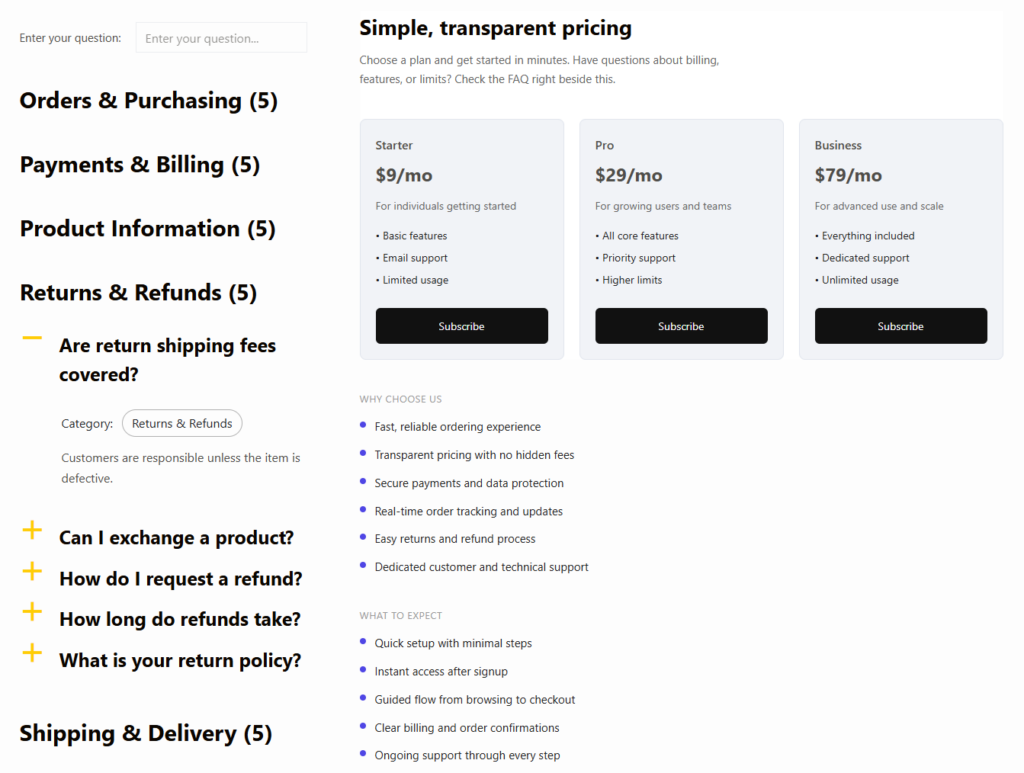
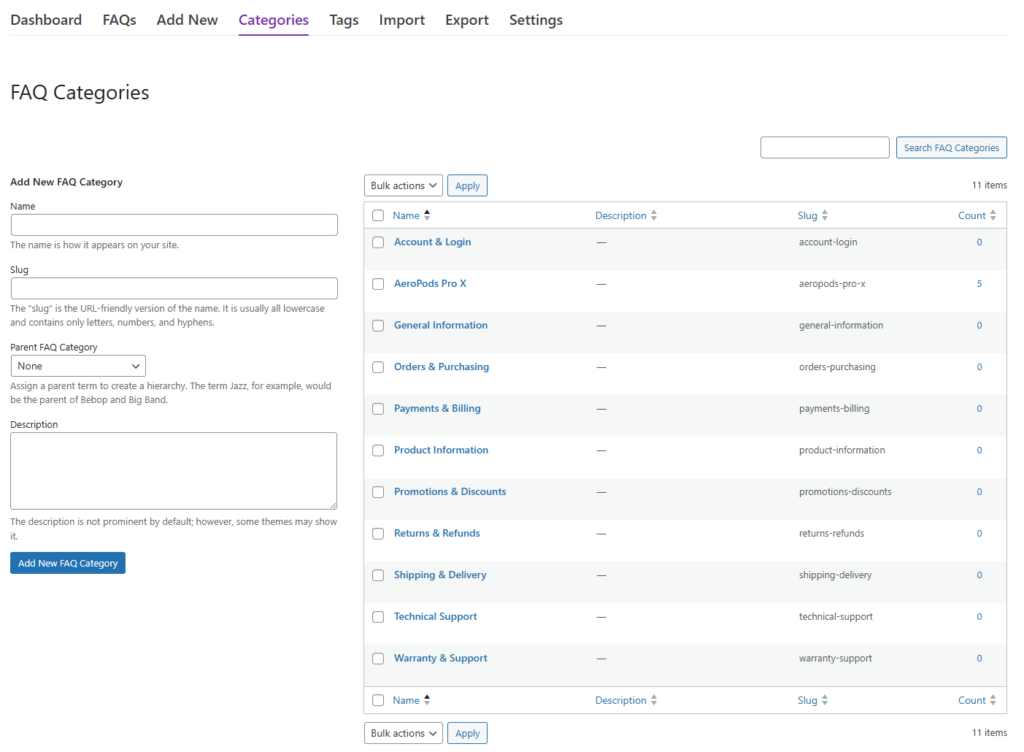
Ultimate FAQs fits best when your team wants to build a practical support layer that does not feel fragile. Editors can add, update, and reorganize answers quickly. Categories keep growing libraries more manageable. Search makes it easier for visitors to find short answers without opening every accordion manually. On the front end, multiple display options make it easier to place FAQs on sales pages, support pages, or product-specific sections without redesigning the whole site.
That matters when your FAQs cover real business questions, not just generic support copy. A restaurant software site might answer questions about direct bookings, cancellation rules, or setup steps. An ecommerce plugin site might need answers about refunds, integrations, or implementation. The plugin should make those answers easy to publish and easy to improve as questions change.
A realistic migration scenario
Consider an agency managing several client sites. One client began with a small FAQ area, but over time the team added pricing questions, onboarding notes, feature explanations, and troubleshooting steps. Now the problem is not creating content. It is maintaining it. Editors need a faster way to update answers after each release, support wants visibility into what users search for, and the site owner wants a cleaner support experience without rebuilding the entire help center.
That is the kind of situation where the best alternative to Helpie FAQ becomes a real operational question. The right replacement is the one that preserves what already works, simplifies what is clunky, and gives the team a more sustainable process for the next year of updates.
Move to a FAQ workflow your team can keep updated every week
Ultimate FAQs makes it easier to publish, organize, and improve answer-focused content without turning the switch into a larger rebuild.
Related Content
What to check before you switch
Before migrating, map the questions your site actually answers today. Which ones are evergreen? Which ones change every quarter? Which belong on product pages versus a central help area? Then check whether the replacement plugin supports your preferred editing workflow, your search expectations, and the display patterns you use most often.
Also review what success looks like after the switch. Do you want fewer repetitive tickets, better SEO visibility for answer pages, or a cleaner internal process for updates? The best alternative to Helpie FAQ should be measured against those practical goals, not just by how different the interface looks on day one.
Frequently asked questions
Content Series
Not necessarily. Switching makes sense when you need a better editing workflow, stronger findability, or a simpler long-term maintenance pattern.
Teams often focus on visual differences and ignore editorial workflow. Long-term maintenance usually matters more than the first impression of the interface.
Ultimate FAQs combines simple management, search, category organization, schema support, and flexible display styles in a workflow that is easy for many WordPress teams to maintain.
It can, especially if the new setup makes FAQ content cleaner, easier to organize, and easier to keep current. FAQ schema also helps clarify answer content.
Switch from Helpie FAQ only if the new setup clearly improves your support workflow
If your team needs a cleaner, easier-to-maintain FAQ system on WordPress, Ultimate FAQs is a strong place to compare next.