










The best FAQ plugins for SaaS websites are the ones that help users keep moving. On a SaaS site, FAQs are not just a support add-on. They answer objections during trials, explain features during onboarding, and reduce friction before a visitor turns into an active account. That is why the solid FAQ plugins for SaaS websites should be judged by how well they support product education as much as traditional support.
For many product-led teams, WordPress Ultimate FAQs is one of the top FAQ plugins for SaaS websites because it makes recurring questions easier to publish, organize, and improve over time. Ultimate FAQs is especially useful when a team wants searchable answers, category-based organization, schema support, and a faster way to maintain onboarding content inside WordPress.
Why SaaS FAQ content belongs in the conversion journey
SaaS FAQs usually sit at the intersection of marketing, onboarding, and support. A prospect wants to know whether the tool integrates with their stack. A new user wants to know how to invite teammates, import data, or set permissions. A customer-success lead wants fewer repetitive tickets around billing, setup, and feature limits. The plugin you choose needs to support all three stages without turning your site into a maintenance burden.
That is why the best FAQ plugins for SaaS websites should be compared using funnel questions: Can visitors find the right answer fast? Can the team add answers as the product evolves? Can the FAQ area support both short sales questions and deeper setup explanations?
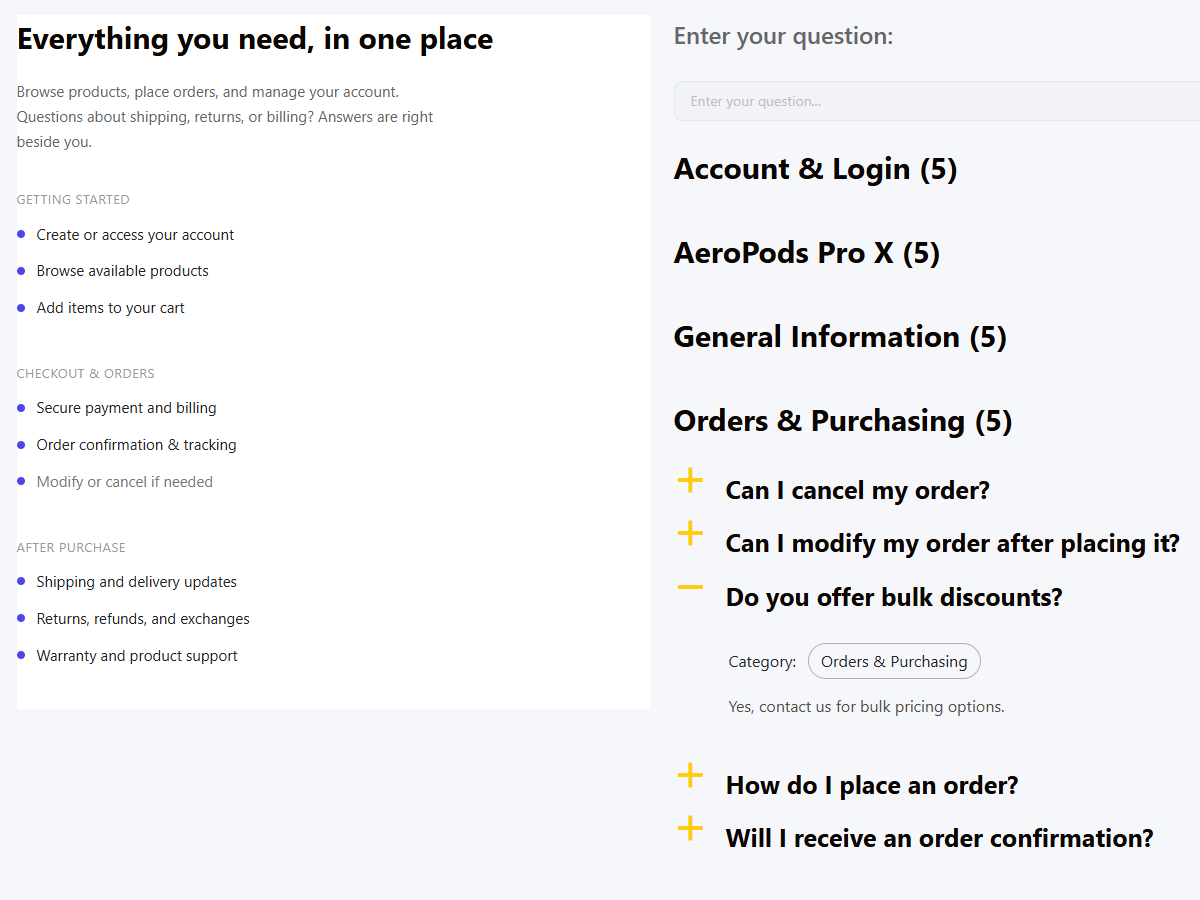
What SaaS teams should score before choosing a plugin
Onboarding fit. The plugin should make it easy to group answers by setup stage, feature area, or user role.
Search behavior. Trial users and new customers often search with partial knowledge, so fast answer discovery matters more than elaborate styling.
Editorial speed. SaaS products change constantly. The best setup lets product marketing and support update content without heavy dev work.
Placement flexibility. Some FAQs belong on pricing or feature pages, while others belong in a broader help center.
Insight loops. Search logs and view data help the team see which questions block adoption most often.
A shortlist through a SaaS lens
| Plugin | Best for | Where it shines on SaaS sites | Main caution |
|---|---|---|---|
| Ultimate FAQs | Lean SaaS teams that want flexible FAQs inside WordPress | Fast publishing, categories, search, schema, and reusable FAQ blocks across site pages | Best when FAQ content is a major layer of support, but not your entire documentation stack |
| BetterDocs | Teams with heavier documentation needs | Useful for longer docs, documentation landing pages, and more article-style structures | Can feel larger than necessary for teams focused on shorter onboarding questions |
| Helpie FAQ | Teams that want flexible FAQ display and mixed docs/FAQ use cases | Strong FAQ block use and display options for product pages and support content | Worth comparing carefully if you want a simpler long-term editing and maintenance workflow |
| Echo Knowledge Base | Organizations building a broader help center with deep search expectations | Knowledge-base depth and strong support-center orientation | Potentially more system than a smaller SaaS team needs at first |
Choose an FAQ setup that helps prospects convert and customers onboard faster
Compare whether your SaaS site needs a focused FAQ layer or a larger documentation stack before you build.
A realistic SaaS help flow
Picture a trial user landing on your pricing page with three questions: Does the tool integrate with Stripe? How long does setup take? What happens if the free trial ends before their team finishes testing? If the answers are hidden in blog posts or buried in a contact form, conversion suffers. A strong FAQ setup places those answers near the decision point, then routes users into a broader help area once they become customers.
Now move to onboarding. The most successful SaaS teams document the first ten friction points before support has to answer them repeatedly. They publish setup FAQs, explainers for account roles, and troubleshooting guidance for common import issues. That self-serve layer keeps customer-success teams focused on meaningful adoption work instead of repeating the same instructions in chat.
In some vertical SaaS products, those FAQs may even cover topics like online reservations workflows or the customer-facing booking experience if the software supports appointment or hospitality use cases. The important point is that the plugin has to make specialized answers easy to find at the exact moment users need them.
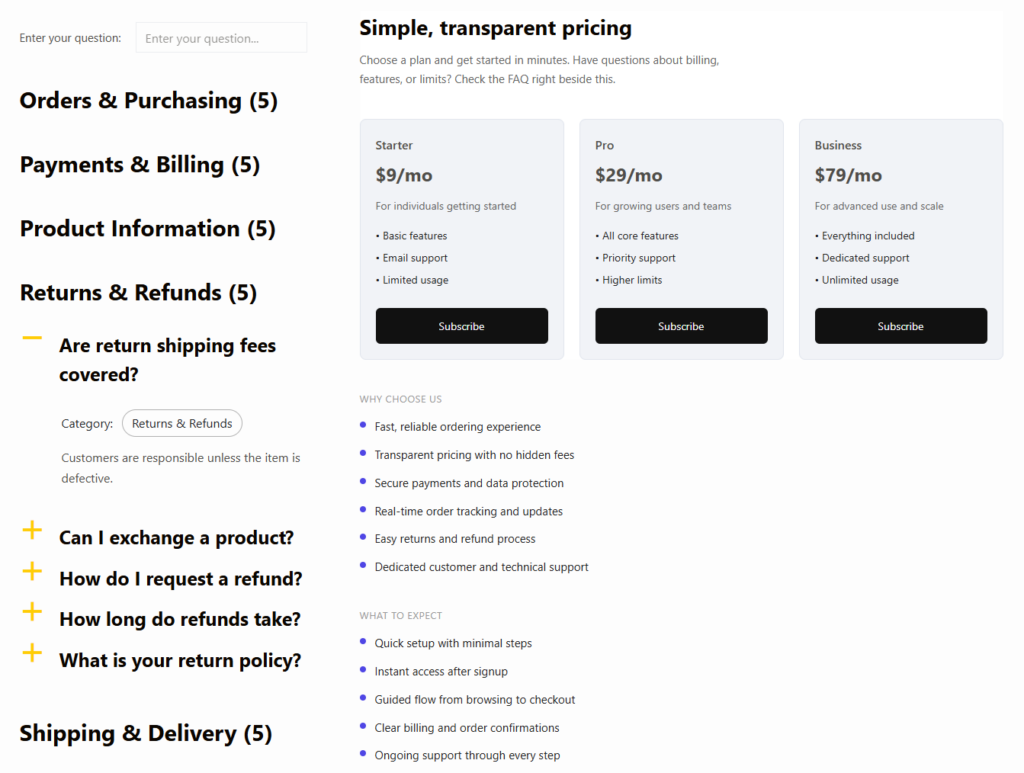
Where Ultimate FAQs fits better than a heavier docs stack
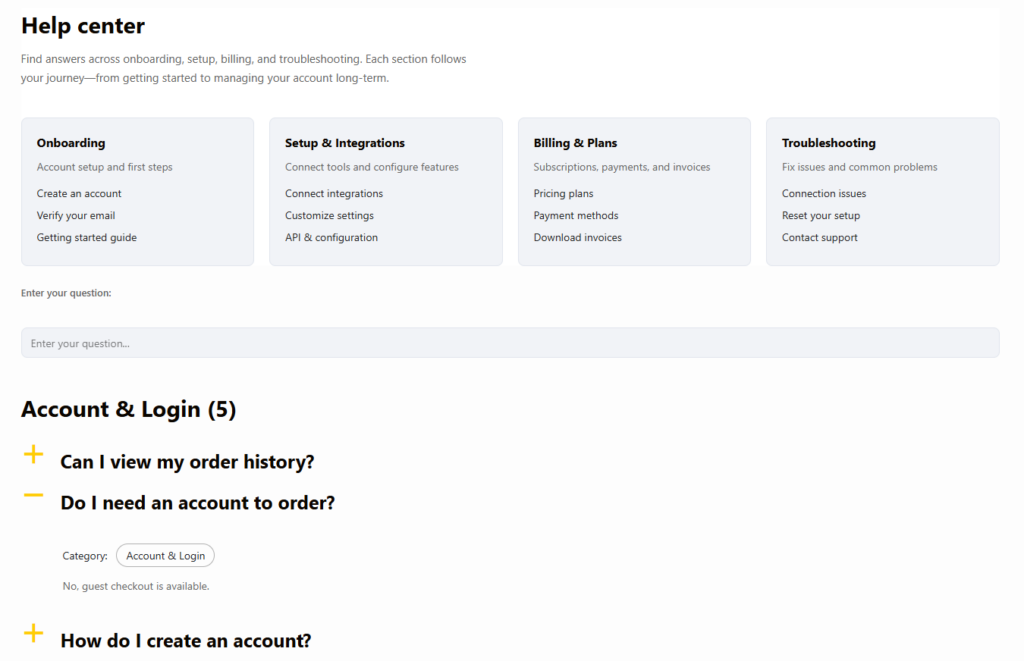
Ultimate FAQs is a strong fit when a SaaS company wants to answer real product questions across the site without creating a separate documentation property right away. Teams can build categories around onboarding, billing, integrations, or account management, then use built-in search to make those answers easier to retrieve. Multiple display styles help because some pages need a compact accordion while others need a fuller list or support hub layout.
The plugin also suits teams that want SEO value from support content. FAQ schema and clean organization can help surface answer-focused content in search, while view data and saved search terms help the team see which questions deserve expansion into full docs, videos, or onboarding emails. For lean SaaS teams, that feedback loop is often more valuable than flashy presentation alone.
Turn product questions into a usable self-service layer
Use Ultimate FAQs to answer pre-sale objections, onboarding questions, and recurring support issues in one maintainable system.
Tradeoffs SaaS buyers should be honest about
Not every SaaS site needs the same content system. A company with deep APIs, developer docs, and extensive release notes may outgrow a FAQ-first approach and need a docs-first platform. But many SaaS teams overbuild too early. They choose a larger documentation setup before they have enough structured content to justify it, then struggle to keep it current.
The best FAQ plugins for SaaS websites are often the ones that let you start with the real questions users ask every week. Once those answers are organized and searchable, you can decide which topics deserve longer documentation. That is usually a healthier path than starting with an oversized help center and hoping adoption follows.
Related Content
How to choose among the best FAQ plugins for SaaS websites
Choose based on the shape of your support workload. If your biggest need is publishing and improving repeated answers quickly, Ultimate FAQs is often the more efficient choice. If your site needs long-form documentation first and FAQs second, a docs-oriented product may be a better match.
Either way, the best FAQ plugins for SaaS websites are the ones that help users move from question to action with less friction. That makes FAQs part of the product experience, not just a support archive.
Frequently asked questions
Content Series
Often yes. FAQs handle short, repeated questions, while deeper docs cover workflows that need more explanation.
On feature pages, pricing pages, onboarding sections, and dedicated support hubs wherever the answer helps a user take the next step.
Because users rarely know the exact terminology your team uses. Search helps bridge that gap faster than static navigation alone.
Ultimate FAQs combines easy editing, search, category structure, and SEO support in a format that works well for lean teams managing content inside WordPress.
Build a SaaS FAQ system that supports trials, onboarding, and retention
If your product team needs a practical way to publish clearer answers and reduce repeated support work, Ultimate FAQs is a strong next step.