








If you are looking for an Alternative to WooCommerce catalog mode, the issue is usually not that catalog mode is wrong in principle. It is that many teams start with WooCommerce because it is familiar, then realize later that their site is not really trying to behave like a normal store. They want a browse-first catalog, stronger product organization, deeper filtering, or an inquiry-led experience that feels cleaner than modifying a checkout-first system into something it was not originally designed to be.
That is why WordPress Product Catalog plugin becomes attractive as an alternative. It is built around product discovery itself, not around hiding store behavior after the fact. For businesses that want product pages, categories, filters, and flexible layouts inside WordPress without relying on a store-centered foundation for everything, it is often the more natural fit.
What is the best alternative to WooCommerce catalog mode?
For many WordPress sites, the best alternative to WooCommerce catalog mode is Ultimate Product Catalog because it gives you a more flexible browse-first catalog workflow. Instead of adapting an ecommerce system into a catalog, you can build structured product discovery around categories, filters, richer product pages, inquiries, and stronger display control from the start.
WooCommerce catalog mode can still make sense when a site already depends heavily on WooCommerce. But if the business wants a true catalog rather than a modified storefront, Ultimate Product Catalog is often the cleaner long-term choice.
Where WooCommerce catalog mode still makes sense
A fair comparison starts by acknowledging that WooCommerce catalog mode is useful for some sites. It can be the right choice when the store already runs on WooCommerce and the main goal is to hide prices, disable checkout, or temporarily shift the site into browse-only mode. In that case, extending an existing store can be simpler than rebuilding the catalog experience elsewhere.
The problem appears when the site is no longer really store-first. Once the business wants structured product discovery, deeper filtering, showroom-style product pages, or an inquiry-led buying path, catalog mode can start to feel like a workaround instead of a strategy.
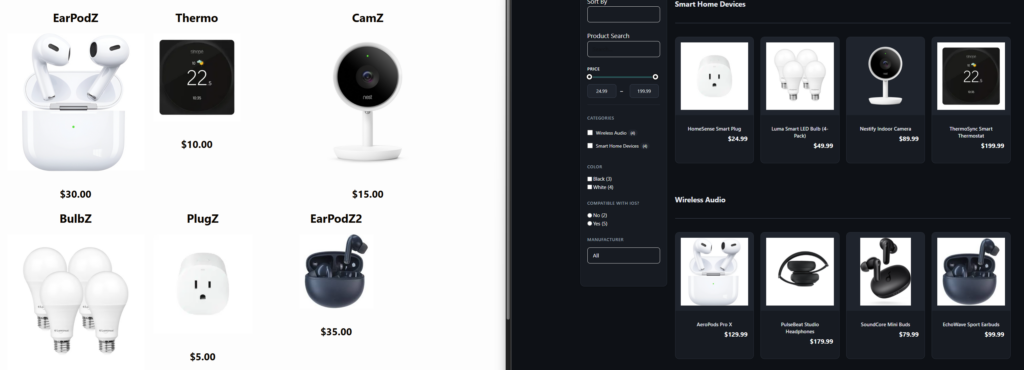
Signs you have outgrown a catalog-mode approach
- Your products need stronger category and attribute structure.
- Visitors need filters and search tools to navigate a large catalog.
- The sales path ends in quote requests, dealer outreach, or inquiries rather than a normal cart.
- You want more freedom over catalog layouts and product page structure.
- Your team spends time working around store-first assumptions that no longer fit the site.
Those signs do not mean WooCommerce is bad. They usually mean the site has matured into a different type of product experience. At that point, the smarter comparison is not “Which extension hides prices best?” but “Which plugin matches the way the catalog is supposed to work?”
WooCommerce catalog mode vs Ultimate Product Catalog
| Decision factor | WooCommerce catalog mode | Ultimate Product Catalog |
|---|---|---|
| Core model | Store-first, then modified for browsing | Browse-first catalog structure |
| Best fit | Existing WooCommerce stores | Catalog, showroom, B2B, and inquiry-led sites |
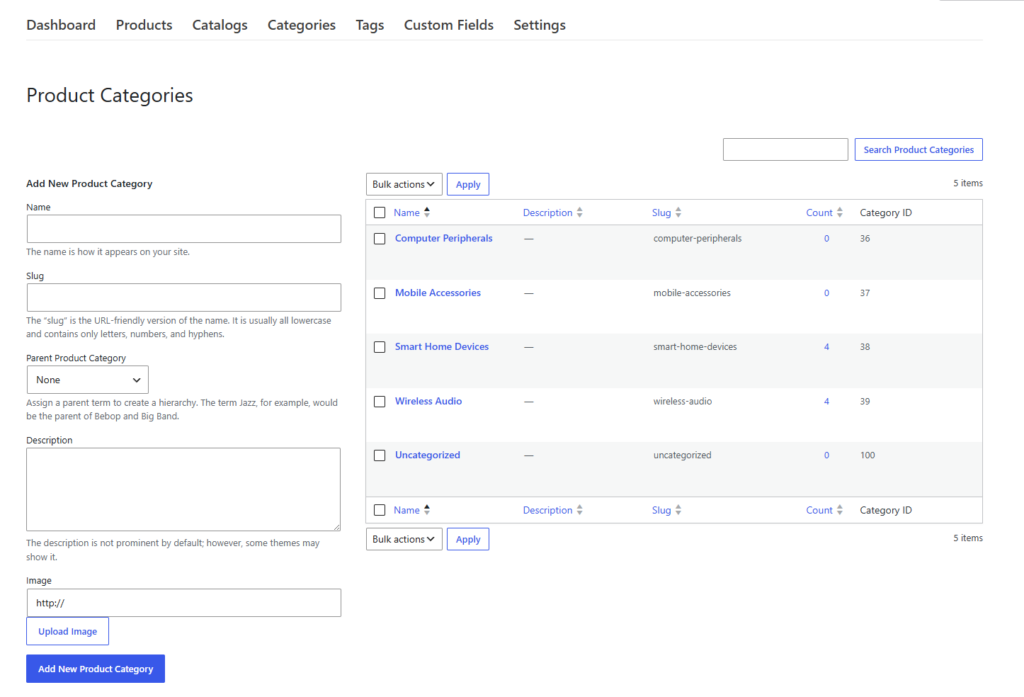
| Product organization | Tied to store architecture | Flexible categories, tags, attributes, and custom fields |
| Filtering and search | Depends on store stack and extensions | Built-in catalog browsing tools |
| Product page flexibility | Commerce-oriented baseline | Rich layouts, tabs, media, and inquiry-focused options |
| Long-term catalog fit | Good if the site remains store-adjacent | Stronger if the catalog itself is the main destination |
Ultimate Product Catalog stands out here because it is designed to manage unlimited products and catalogs, support multi-level categories and advanced filtering, and present products in multiple layouts without leaning on a full ecommerce assumption. It can still integrate with WooCommerce when needed, but it does not have to inherit the entire store structure just to make browsing work well.
Compare catalog mode with a true browse-first catalog workflow
If your site feels like it is forcing a storefront shape onto a catalog problem, compare what happens when discovery comes first.
A migration scenario that makes the switch easy to understand
Imagine a wholesaler that launched with WooCommerce because it seemed like the safest default. A year later, they have 700 products, categories that need to be layered, buyers who want to filter by material and application, and a sales team that prefers inquiries over direct checkout. The site is technically functioning, but the browsing flow feels inherited rather than intentional.
That is the kind of site where Ultimate Product Catalog makes sense. The team can organize the catalog more deliberately, improve filters, shape product pages around specs and inquiries, and stop treating “catalog mode” as a permanent workaround. The win is not just visual. It is operational clarity.
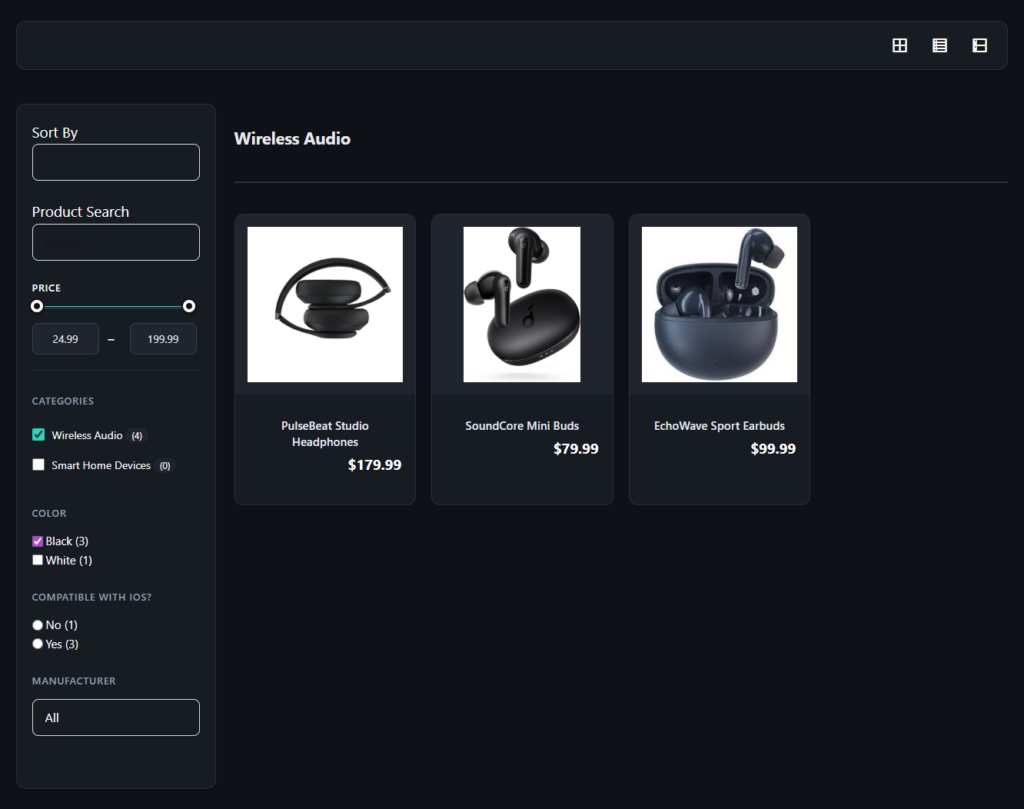
What to compare before migrating
- How products will be structured once they move into the new catalog.
- Which fields and attributes matter for search and filtering.
- Whether each product page should end in inquiry, external linking, cart request, or hybrid commerce.
- How much design control the team wants over catalog and product layouts.
Those migration questions matter more than abstract feature counts. The goal is to choose a system that fits the catalog you are really building, not just the plugin stack you started with.
Related Content
Frequently asked questions about WooCommerce catalog mode alternatives
Content Series
Yes. It offers WooCommerce integration, which can be useful for sites that want catalog flexibility without losing future ecommerce options.
No. It is useful for many existing stores. The question is whether your site still behaves like a store or whether it now behaves more like a product catalog.
It is a stronger fit when browsing, filtering, and richer catalog structure matter more than adapting a store-centered workflow.
Move from catalog mode workarounds to a catalog built around product discovery
Ultimate Product Catalog is a strong alternative when your WordPress site needs better browsing flow, richer product pages, and more control over how the catalog grows.