










Blog
How to Set Up and Maximize SMS Notifications in Order Tracking
Read Post →
WooCommerce Order Tracking Integration
Most customers would appreciate updates about their WooCommerce orders as your process them. Our WordPress Order Tracking plugin offers a simple solution to do just that!
The first thing you’ll need is a premium license. If you don’t already have a page set up where customers can check the status of their orders, create a new page and add the [tracking-form] shortcode to the page. After that, head to the WooCommerce tab of the setting page, and toggle on WooCommerce Integration. With that enabled, every time an order gets placed in WooCommerce, a linked order will be created in the Order Tracking plugin!
By default, the linked order will be created with an order number consisting of three parts: a prefix (WC_ by default), the WooCommerce post ID, and then a random suffix. You can remove the prefix and disable the suffix from the settings page, if you want your customers to be able to check their orders by just entering the WooCommerce order number.
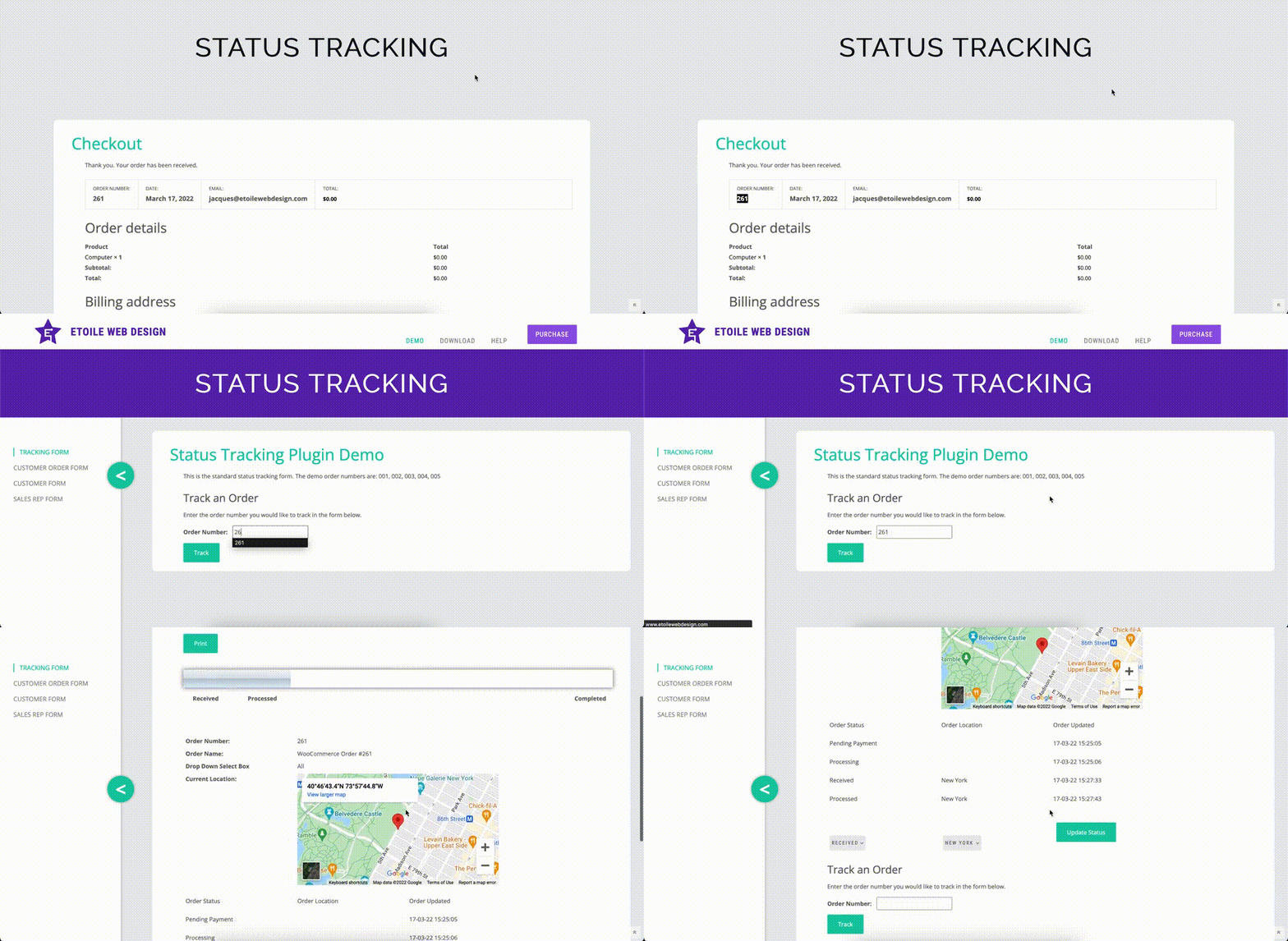
The rest of the WooCommerce settings tab consists of advanced settings. In particular, you can set equivalent statuses within the plugin for whenever an order is updated via WooCommerce. The simplest way to use these is to create statuses with the exact same names as the WooCommerce statuses, and then select the matching status from the dropdown. These statuses can then be used to trigger automatic status-based emails whenever a WooCommerce order is updated!
Finally, there is also an option to enable Locations for WooCommerce orders, so that your customers know where their order is at the moment. You can do that by enabling the Location Dropdown for WooCommerce Orders toggle. Once that is enabled, you’ll have a dropdown of the locations that you’d created in the Order Tracking plugin available on the edit screen for each WooCommerce order.
Want to send out a different email for each status, or add extra information to your orders using custom fields? Check our blog posts the next two weeks to find out how!






Discover all of our WordPress plugins
Browse Plugins
