



Blog
How to Set Up and Maximize SMS Notifications in Order Tracking
Read Post →
Add Built-In AI Help Panels to Client Websites Using Etoile Web Design Plugins
Web developers building WordPress sites for clients often face the same post-delivery challenge: once a project is handed over, clients still need ongoing guidance to understand how to use the system effectively.
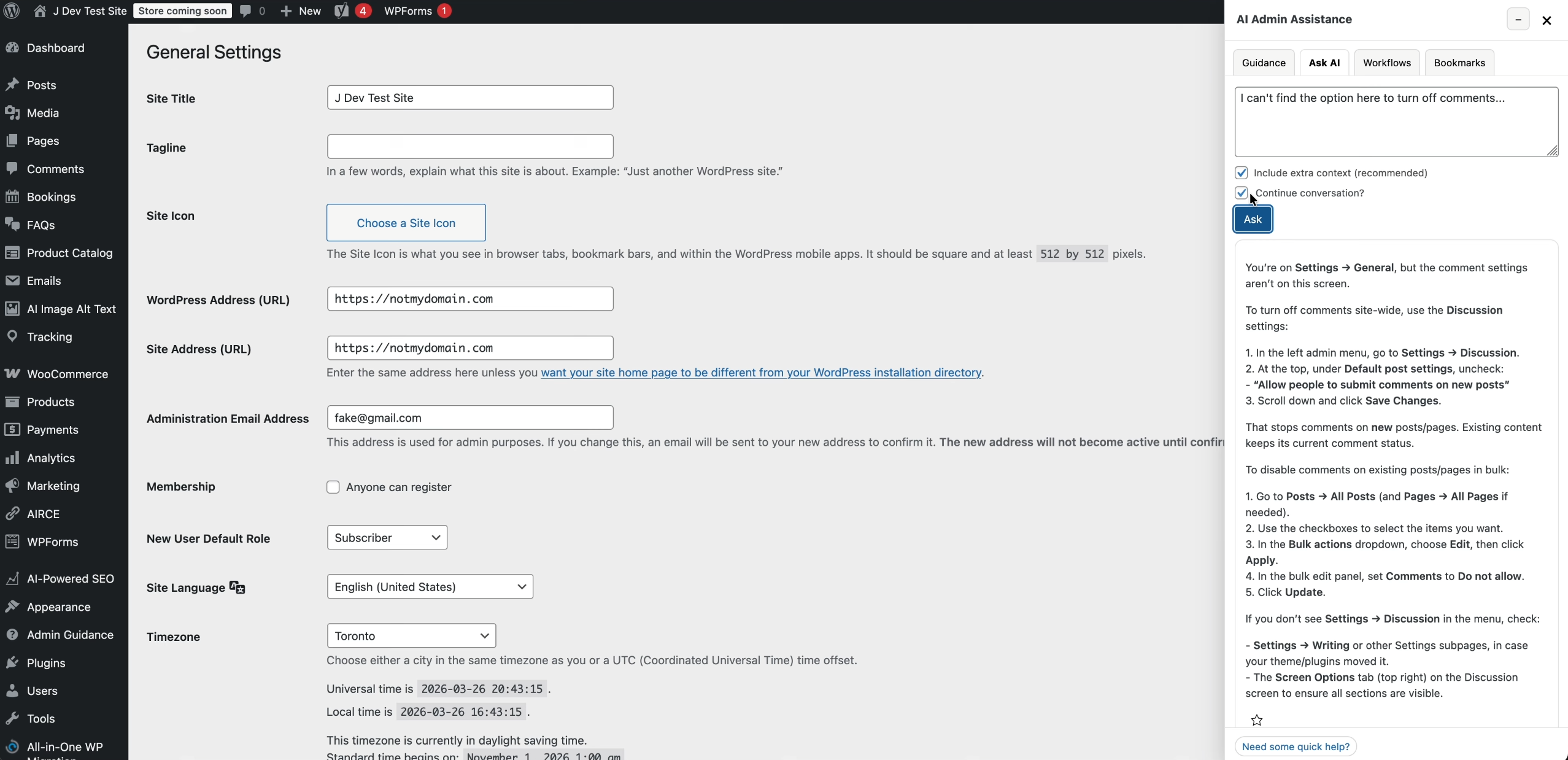
With WordPress AI Admin Assistance, a plugin from our sister brand WP AI Power Tools, you can embed structured, contextual help directly inside the WordPress admin dashboard.
Instead of relying on external documentation or support requests, the website itself becomes the guide.
Turning the WordPress Admin Into a Guided System
WordPress AI Admin Assistance allows developers to add contextual help directly inside the admin interface of the websites they deliver.
This creates an environment where users can:
- View screen-specific guidance inside WordPress admin pages
- Access structured workflows tied to real tasks
- Receive contextual explanations based on where they are working
- Follow embedded operational guidance without leaving the dashboard
The result is a WordPress backend that behaves less like a raw interface and more like a guided system.
Installing WordPress AI Admin Assistance on Client Sites
After installation, WordPress AI Admin Assistance can be activated inside the WordPress dashboard and configured without modifying core plugins or theme logic.
Developers can then:
- Enable the AI assistance panel within the admin interface
- Attach guidance content to specific WordPress screens
- Define workflows for common user actions
- Provide contextual help based on installed plugins and site structure
This makes it possible to tailor the administrative experience to match the exact system delivered to the client.
Pre-Built Workflows for Real Operational Use
One of the key strengths of WordPress AI Admin Assistance is its ability to support structured workflows inside the WordPress backend.
For example, in websites using Ultimate FAQ Plugin, FAQ sections become a core part of how users navigate and understand content.
With AI Admin Assistance enabled, the same admin experience where FAQs are managed can include:
- Guidance for creating and organizing FAQ entries
- Workflow explanations for building accordion-style layouts
- Contextual help for structuring content for readability and SEO
- Operational support directly inside the FAQ management screens
This aligns closely with real-world usage patterns, where FAQ systems are not just static content blocks, but actively maintained knowledge systems.
It also connects naturally with existing guidance content such as how to choose the best FAQ and accordion plugins for WordPress, where FAQ structure, usability, and SEO performance are key considerations.
Adding Help Without Modifying Core Systems
A key advantage for developers is that WordPress AI Admin Assistance does not require modifying any core plugin logic.
Instead, it layers a help system on top of existing interfaces.
This allows you to:
- Add contextual help to existing admin screens
- Provide onboarding guidance for complex plugins
- Improve usability without altering functionality
- Deliver more complete client-ready systems
This is especially valuable for agencies delivering multiple WordPress builds with recurring plugin stacks.
Where WP AI Power Tools Fits In
WordPress AI Admin Assistance is part of the broader ecosystem from WP AI Power Tools, where AI-driven assistance is used to improve how WordPress sites are built, managed, and maintained.
The same internal tooling approach is used in development workflows to ensure consistency between how systems are built and how end users interact with them.
This creates a shared model between developers and end users: structured guidance embedded directly inside the tools they use every day.
Learning Resources and Documentation
Developers can explore implementation guidance, workflows, and configuration details here:
- WordPress AI Admin Assistance documentation
- WordPress AI Admin Assistance video playlist
- Free version of AI Admin Assistance
These resources show how guidance items and workflows are structured inside real WordPress admin environments.
From Delivery to Usability
The value of WordPress AI Admin Assistance is not in installation — it is in what happens after delivery.
Instead of handing over a system that requires external training or documentation, developers can deliver:
- A WordPress backend with embedded guidance
- Context-aware help tied to real workflows
- Structured onboarding directly inside the admin experience
This reduces friction between website delivery and real-world adoption.
Final Thought
Modern WordPress development is no longer only about building functionality.
It is about ensuring that functionality is usable without additional explanation.
With WordPress AI Admin Assistance from WP AI Power Tools, developers can transform standard WordPress dashboards into guided systems that help clients operate their websites confidently from day one.

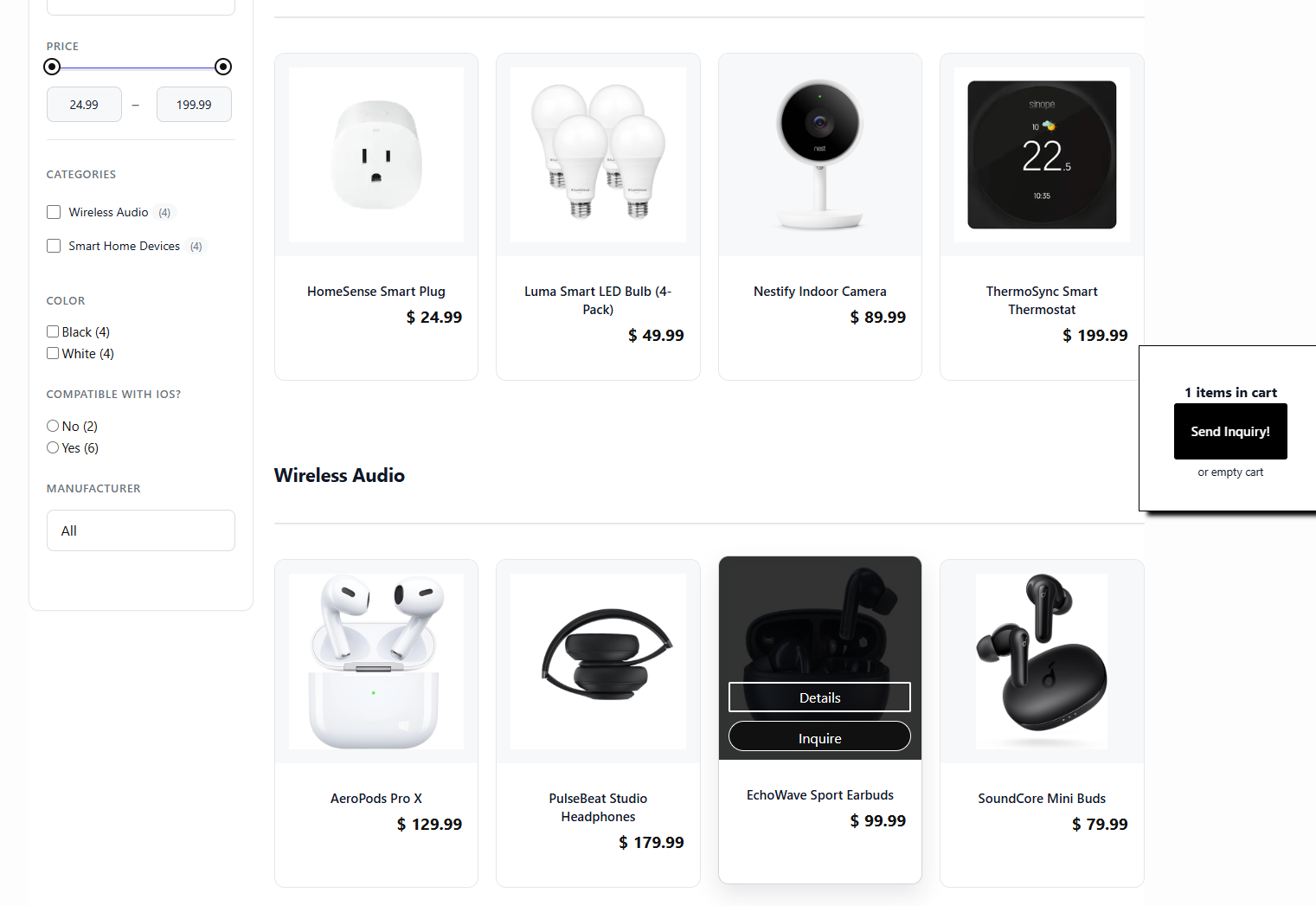
Discover all of our WordPress plugins
Browse Plugins