



Blog
How to Set Up and Maximize SMS Notifications in Order Tracking
Read Post →
Activating premium version
After purchasing the plugin, you should have received an email with your product key. To activate the product key, make sure you have the premium helper plugin installed and activated, then go to the plugin dashboard where you will see a field to enter your product key.
Since the product key can only be used on one site at a time, if you would like to change sites, please contact us with the subject title “Key code release” and let us know the plugin bought and the email address that was used for the purchase. As soon as we receive the email, we will notify you when we have released the key code. You will then be able to use it on a new domain.

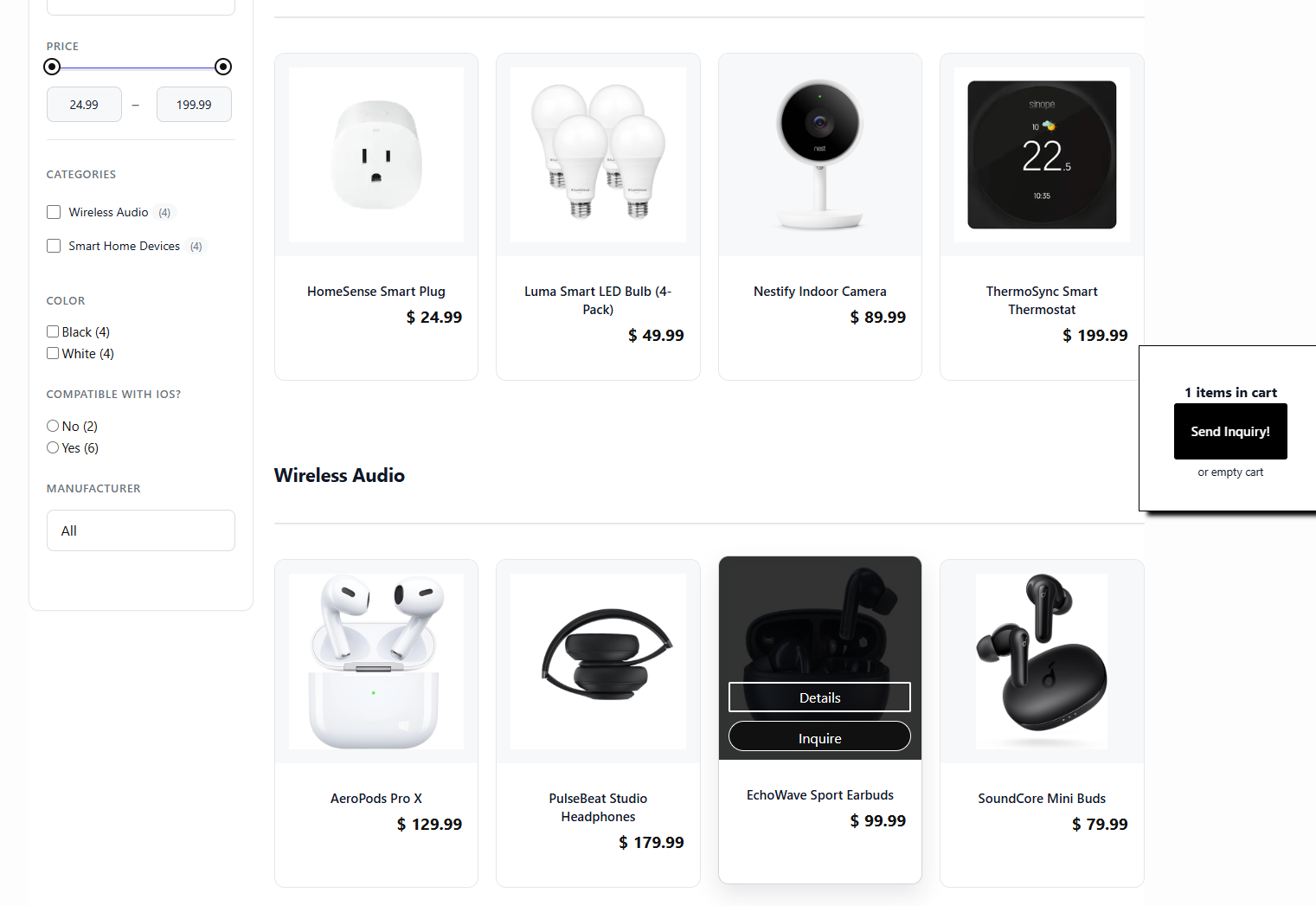

Discover all of our WordPress plugins
Browse Plugins