










Blog
How to Set Up and Maximize SMS Notifications in Order Tracking
Read Post →
3 Resources for Creating Quick Professional Infographics
Want to create professional looking infographics for your WordPress site or social feeds but are short on time or design skills? These three resources will help you create eye-catching lay-outs for your message that will grab your audience’s attention.
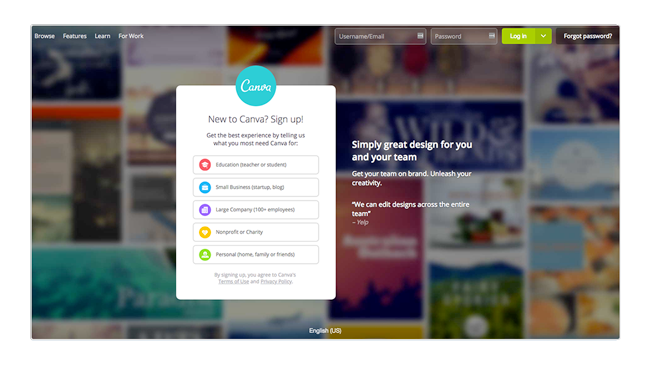
Canva
Canva is kind of like the WordPress of document design. It makes creating content or materials very accessible to those with little or no formal training. Just choose the infographic you like and customize it with simple drag and drop options. You can find the templates in the “blogging and ebooks” section. There are lots of free options, however if you are looking to create different types of documents often, you may want to consider their “For Work” subscription.
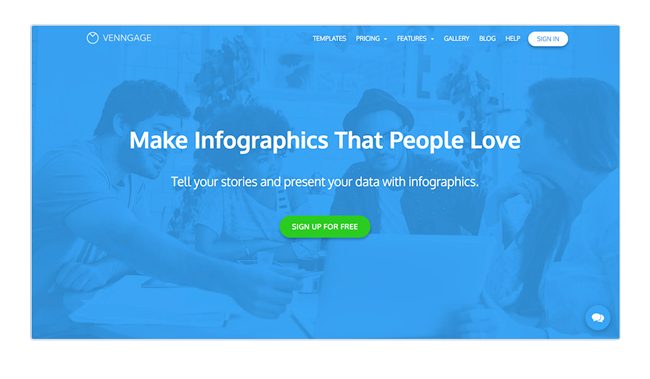
Vennage
Venngage also offers drag and drop templates. While there is a free option on this site, you are first required to publish your infographic to their “community page” after which you can click “share” to access social links. The catch is that your link will point to the vennage page where your creation is parked. To export the image you’ll need to upgrade to a paid subscription starting at $19 per month.
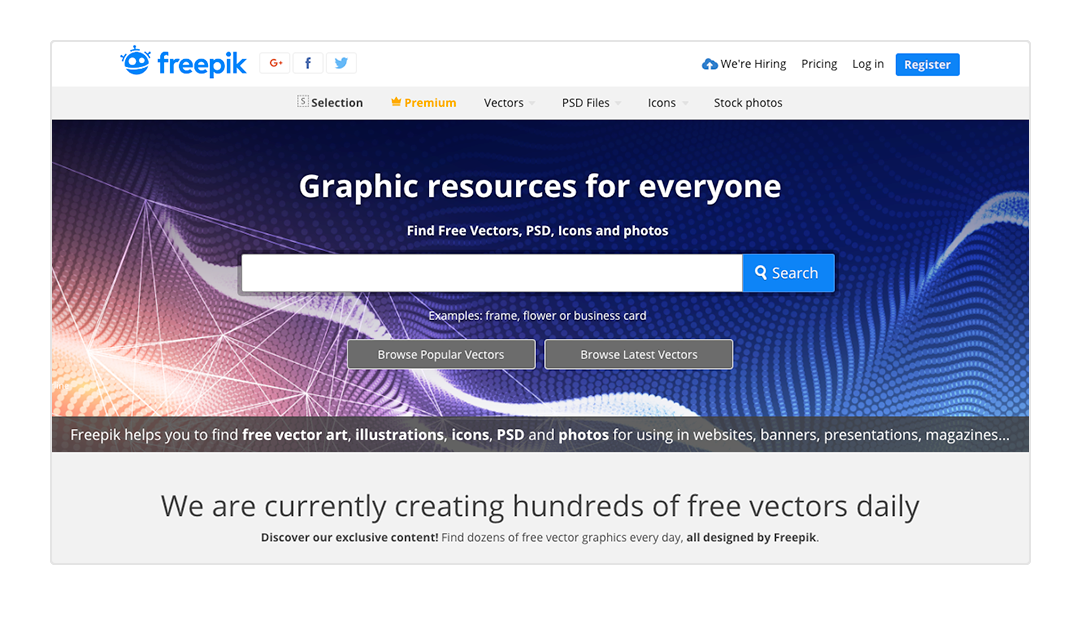
FreePik
FreePik is a great resource for vector graphics and photos. There are lots of editable infographics that are completely free to use with an attribution or via a paid subscription. Keep in mind you’ll need access to a design program to edit files ending in .ai and .eps. If you don’t have Adobe programs, there are free open-source and low cost options available online.
Use WordPress and like simple efficient tools? Try our full suite of plugins including:
 Ultimate FAQ Plugin
30,000+ Installations
 Ultimate Product Catalog Plugin
10,000+ Installations
We offer a free versions on wordpress.org and premium versions with a free trial.






Discover all of our WordPress plugins
Browse Plugins
