










An alternative to WP Responsive FAQ plugin becomes relevant when a site has moved past the stage where “accordion that works” is enough. Lightweight FAQ plugins can be perfectly fine when the content set is small and rarely changes. But once the FAQ section becomes part of product education, customer support, or SEO strategy, the limits of a simpler setup start showing up in editing time, organization, and searchability.
For many growing WordPress sites, the best alternative to WP Responsive FAQ plugin is the Ultimate WordPress FAQ plugin. Ultimate FAQs makes more sense when you need better FAQ management, category structure, built-in search, richer display options, and more room to grow without rebuilding the FAQ experience later. WP Responsive FAQ plugin can still suit a basic accordion use case. It just stops being the best fit once the FAQ layer carries more responsibility.
If you only need a small accordion, staying put may be fine
A switch page should not pretend every plugin replacement is urgent. If your site has ten or fifteen questions, no real categorization needs, and an editor who only updates the page occasionally, WP Responsive FAQ plugin may still do the job. In that case, migration effort could outweigh the benefit.
The better question is whether your current FAQ setup is being asked to do more than it was chosen for. If the answer is yes, then an informed WP Responsive FAQ alternative WordPress decision is worth making now rather than after the content mess grows.
A practical stay-or-switch scorecard
| Scenario | Stay with a lightweight plugin | Switch to Ultimate FAQs |
|---|---|---|
| Small FAQ list | Yes, if the content is stable and rarely changes. | Only if you already know growth is coming soon. |
| Many categories or product-specific answers | Often becomes awkward fast. | A better fit because organization matters. |
| Need for user search | Usually weak or absent in simpler setups. | Built-in search makes answer discovery easier. |
| Frequent editing | Manual updates become repetitive. | Faster editing and ordering reduce admin work. |
| Broader support-content strategy | Can start to feel limited. | More flexible long-term base for FAQs. |
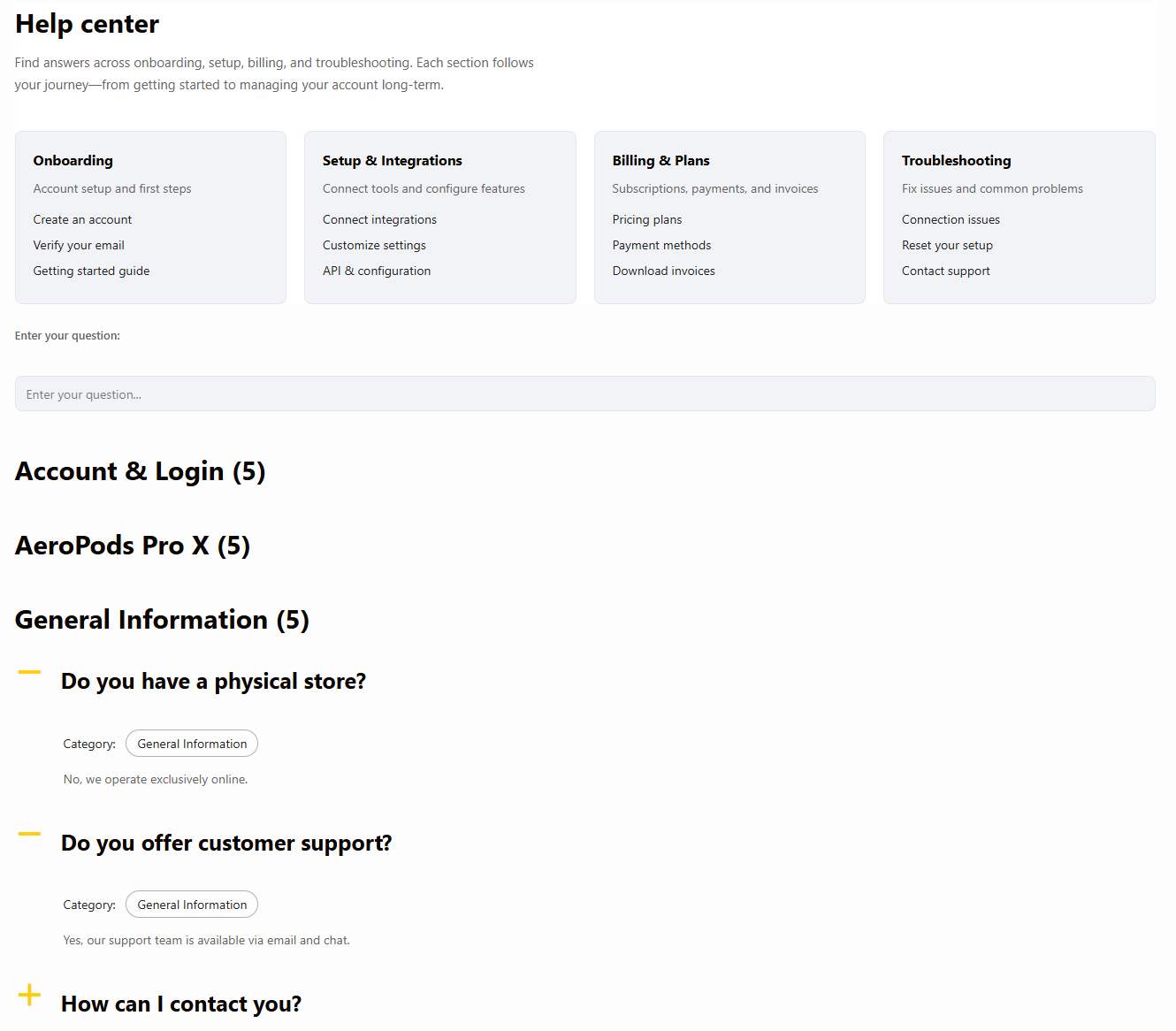
See when a simple FAQ plugin is enough and when it is not
Compare your current FAQ workload against a plugin built for a larger, more flexible FAQ library.
Where the upgrade usually pays off
The upgrade starts paying off when FAQs stop being isolated content blocks and become reusable answers spread across the site. That is where Ultimate FAQs is the stronger wordpress plugin alternative to WP Responsive FAQ plugin. Unlimited FAQs and categories make content sprawl easier to manage. Search improves the user experience. Multiple display styles help the same answer library fit different layouts. And bulk tools make maintenance much less painful.
This is also where analytics becomes valuable. Knowing which FAQs are viewed most often or what users are searching for tells you what content is missing. That kind of signal is hard to ignore once FAQs become part of your support and conversion workflow.
Related Content
What to migrate first
- Move your highest-traffic FAQ set first so you can validate display and formatting.
- Rebuild categories before styling so the information architecture is sound.
- Set up search early if users have more than one obvious browsing path.
- Review schema and Yoast compatibility as part of the rebuild instead of as an afterthought.
That approach is why many site owners searching for the best alternative to WP Responsive FAQ plugin prefer Ultimate FAQs. It gives them a sensible upgrade path instead of forcing a total rethink of the site.
Frequently asked questions
Content Series
No. A switch makes the most sense when the FAQ content is growing and the current setup is costing time or limiting usability.
For most teams, it is the combination of easier management, better organization, built-in search, and more flexible front-end display.
No. It can matter for product marketing, WooCommerce content, onboarding, and any page where faster answers help users move forward.
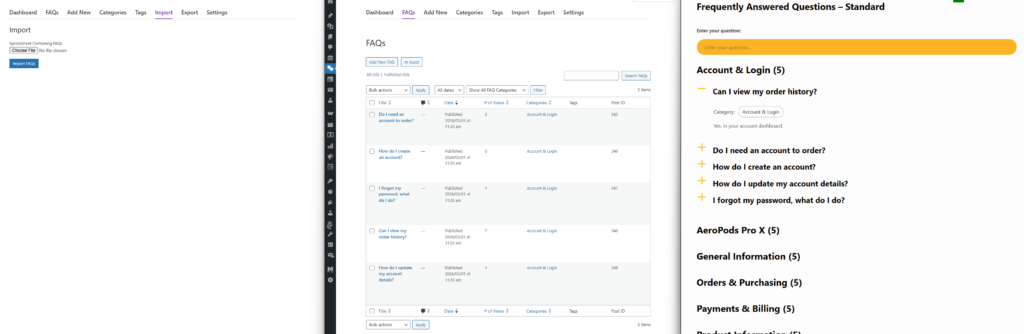
Upgrade from a simple accordion to a more capable FAQ system
If your site has outgrown WP Responsive FAQ plugin, Ultimate FAQs gives you a cleaner path to better organization, search, and display flexibility.