








Search Engine Optimization, or SEO, is the practice of increasing a site’s position on search networks, such as Google, Bing, Yahoo!, etc. SEO is also responsible for improving the quality and quantity of a site’s traffic and exposure to the website, through non-paid (also known as “organic”) search engine results. (1)
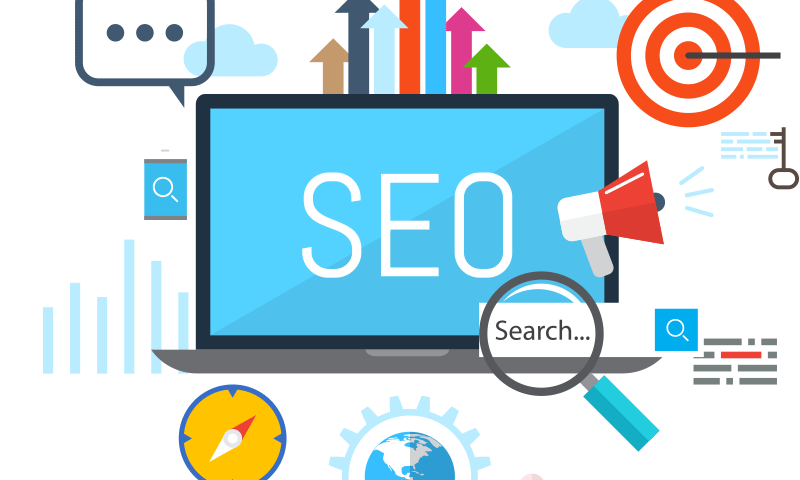
For e-commerce websites, SEO is one of the most powerful tools to maximize your website’s visibility, bringing your brand closer to people in need, to generate high-quality leads and maximize sales overall (2). What are the best practices to make your e-commerce store stands out in a million search results, attracts the right consumers, and increases conversions?
Our team at Etoile Web Design is pleased to share with you our guide on how to optimize your website for SEO. If you currently manage an e-commerce store or a website hosted on WordPress, this guide is for you!
- Start with a mobile-friendly WordPress theme.
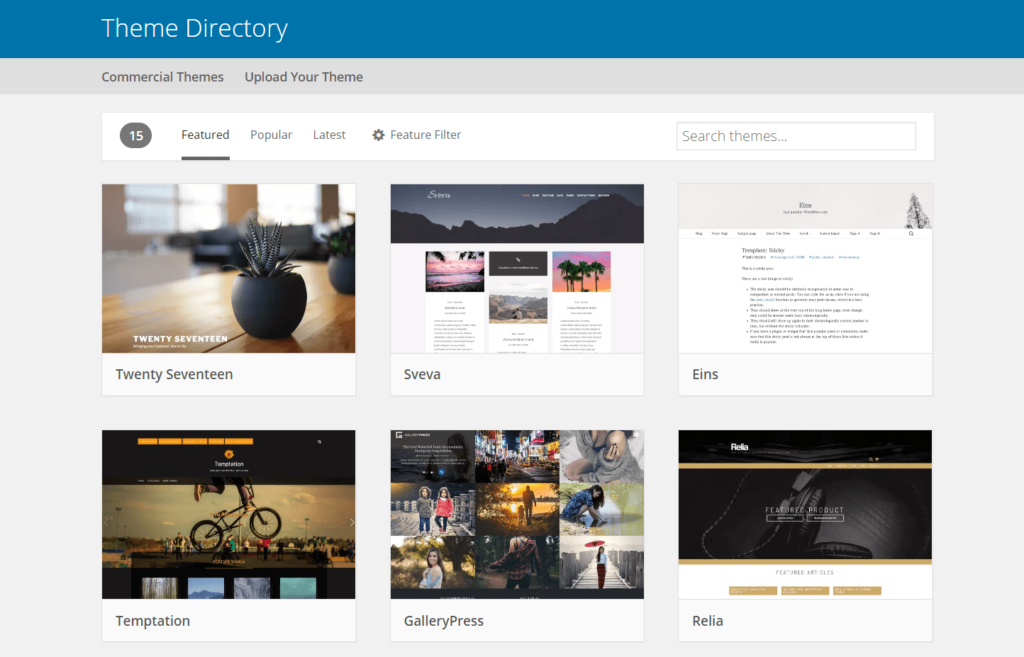
There is no doubt that mobile devices are integral in the digital search engine space: 60% of organic search engine visits in 2020 came from smartphones, tablets, etc (3). Because of this, search networks like Google, Bing, etc. display pages that are mobile-friendly first. Therefore, the first step towards improving your website’s visibility on search networks is to select a WordPress theme that is responsive for both mobile and desktop browsers.
Note that the selection of features can also impact the responsiveness of your site (3). A theme that is rich in features might take longer to load and is not mobile-friendly, hence reduces your search ranking, as well as offering a worse user experience when browsing your site.
- Optimize, optimize, optimize.
Keep in mind that not only technical specs can impact your SEO ranking, but that your website’s content also influences how your website shows up on search networks. 3 important key items to optimize include:
- Page Title and Meta Descriptions: Page Title and Meta Descriptions are meant to give readers an idea about your page when browsing on search networks. Search networks scan through these two items to match your page with search queries by users, therefore it is important to ensure that your title and descriptions contain relevant keywords that you are trying to be matched with. The lengths of the title and meta descriptions also matter: Titles should be kept under 60 characters and descriptions should be under 160. Make sure that your keywords stay in the front, so it can be easily detected by search engines.
- Content: The content of your website should be concise, engaging, and well-written. Use plain language, active voice, and short sentences to increase your Flesch readability score. The higher your readability score is, the easier it is for readers to keep up with your page/ post content. On the other hand, it is important to regularly update your page content, or your product description (for e-commerce sites) to keep users updated with the latest news and features (4).
- Image: Start by using images that are not only in the right sizes and quality, but also well-compressed so they can be quickly loaded by the browser. Secondly, consider updating alt texts to improve your site’s ranking on both web and image results page (3). Alt texts describe what’s in the image, as well as its function on the page. Alt tags are also used by screen readers, which are browsers used by blind and visually impaired people, therefore by updating alt tags, this will help blind and visually impaired users understand what the image is about (5).

- Stay Organized with Categories and Tags.
Categories and tags are two ways to organize content groups on a WordPress site and have much more significance when it comes to SEO (6). A category can group together pages and posts that are connected, while a tag can identify a piece of content using a few specific keywords. You can use multiple tags for the same post/ page, however, for categories, it is best not to assign more than 2-3 categories to one post (6).
By optimizing your site with categories and tags, you will help search engines to understand the structure of your site, and hence increase your SEO ranking. Categories and tags are also important to help users quickly locate pieces of content they’re looking for, resulting in a better user experience overall.

Through optimizing your site and staying organized with the built-in features on WordPress, you will enable search engines to quickly recognize relevant content on your website and match them with searches from internet users. We hope that the tips we have shared above will help you to get your WordPress page SEO-ready while providing a positive user experience for your site visitors.