








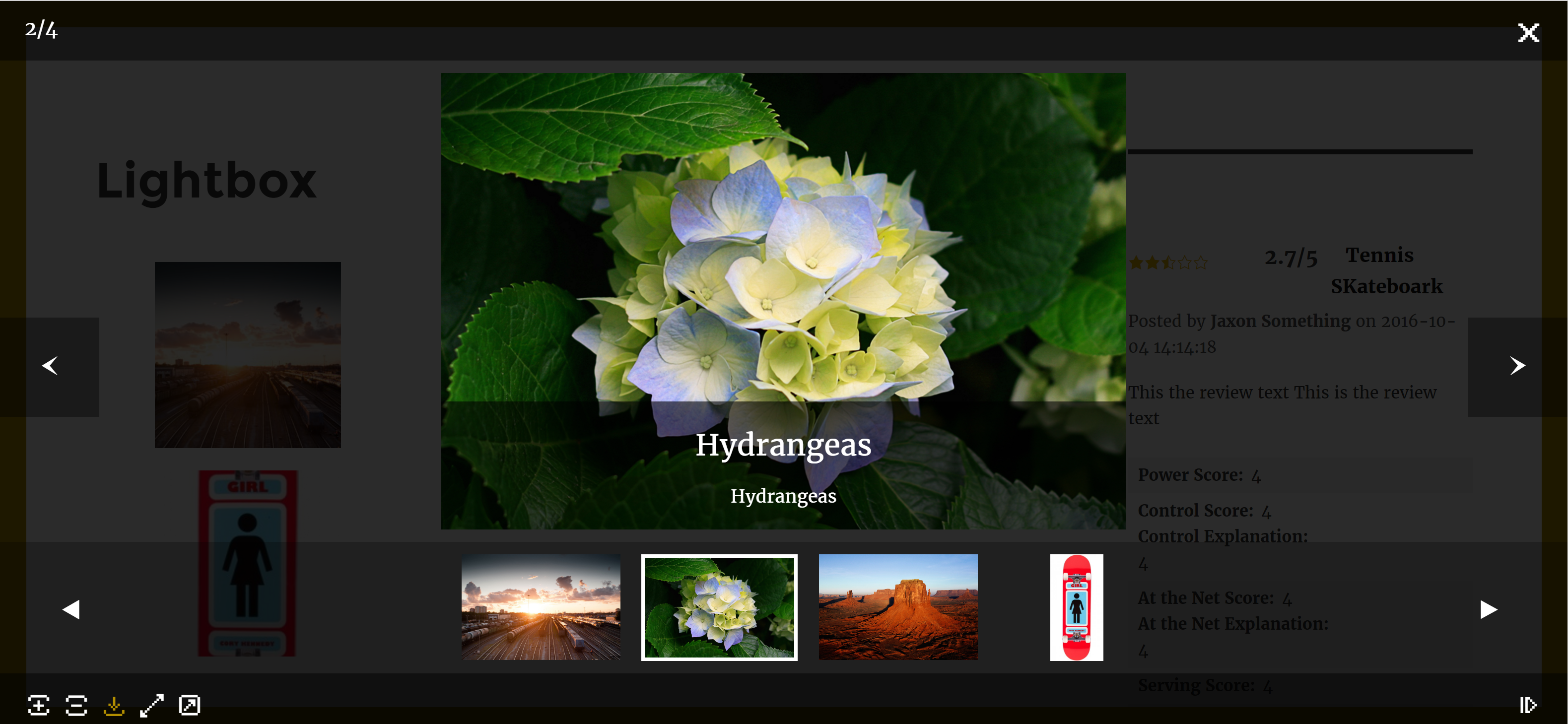
Colours, controls, thumbnail placement, arrows, icons. There are so many lightbox details that you’d want to optimize for the feel of your site, if only it wasn’t such a hassle. Who has time to figure out which CSS class or image file needs to be replaced to change the look of each individual element?
With that in mind, we decided recently to build a customizable lightbox plugin that can be used both in our own plugins and in the plugins of any developer looking for an easy way to give their users control over the lightbox used in their plugins. That’s the vision behind our Ultimate Lightbox plugin. The Ultimate Lightbox works both as a stand-alone plugin, letting users add a lightbox to any of the images they choose on their site, as well as a plugin that can be buddled into any other plugin looking to use a lightbox.
Here’s how it works.
- There’s a default set of options that included in the plugin code. These options include a subdued grey/black color scheme, standard lightbox control placement, normal sliding action between images, and a basic set of icons. The basic options are meant to work with almost any theme, and incorporate the behaviour that users are used to from countless other lightboxes.
- Any user who wants to change these default settings only needs to install Ultimate Lightbox, activate it and then use the simple lightbox settings page that’s added on activation. These settings include:
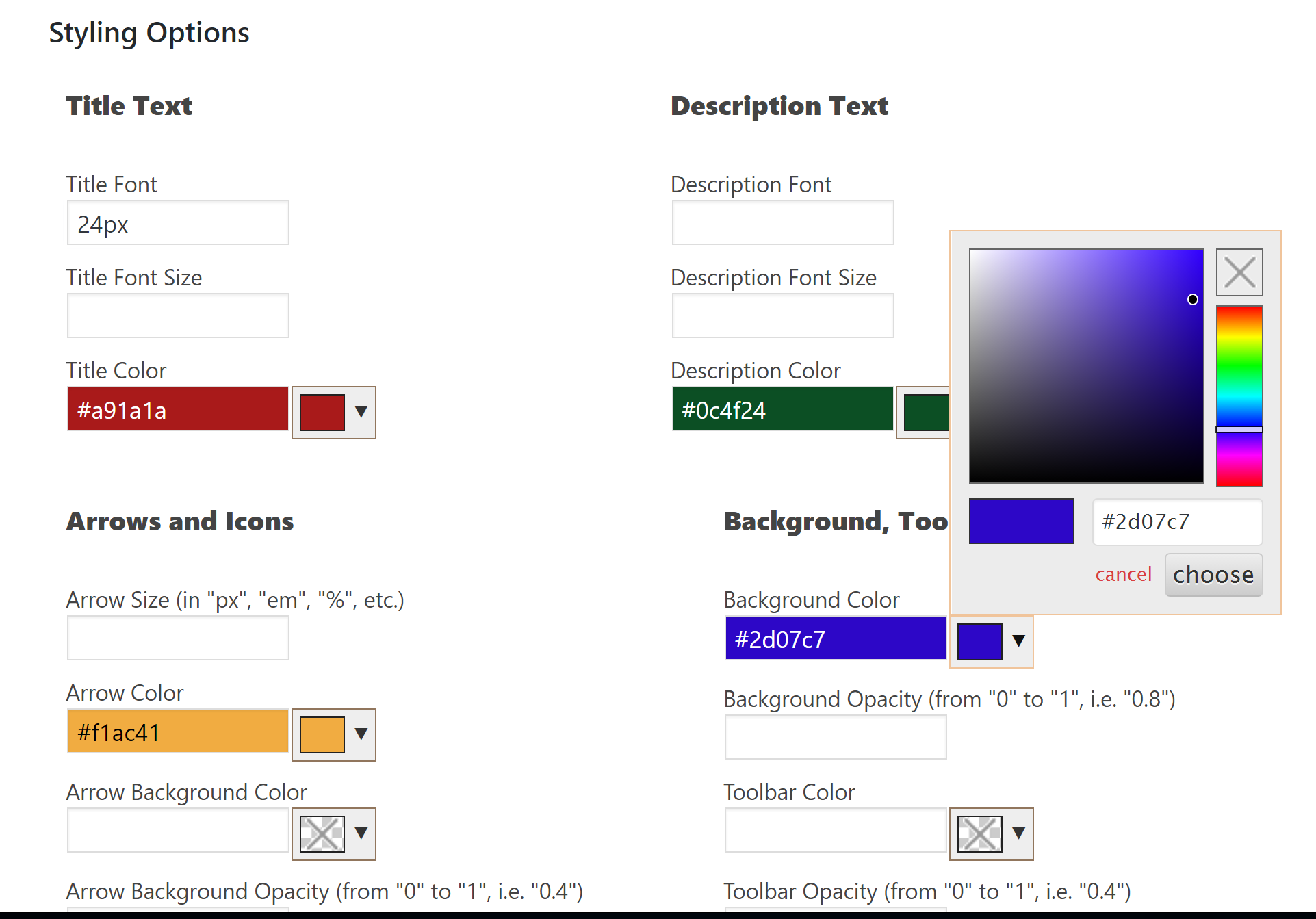
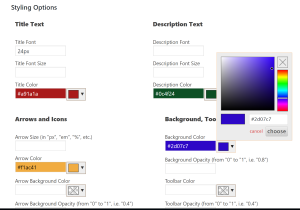
- The ability to set the styling and colour of all of the lightbox elements using a simple color-picking tool.
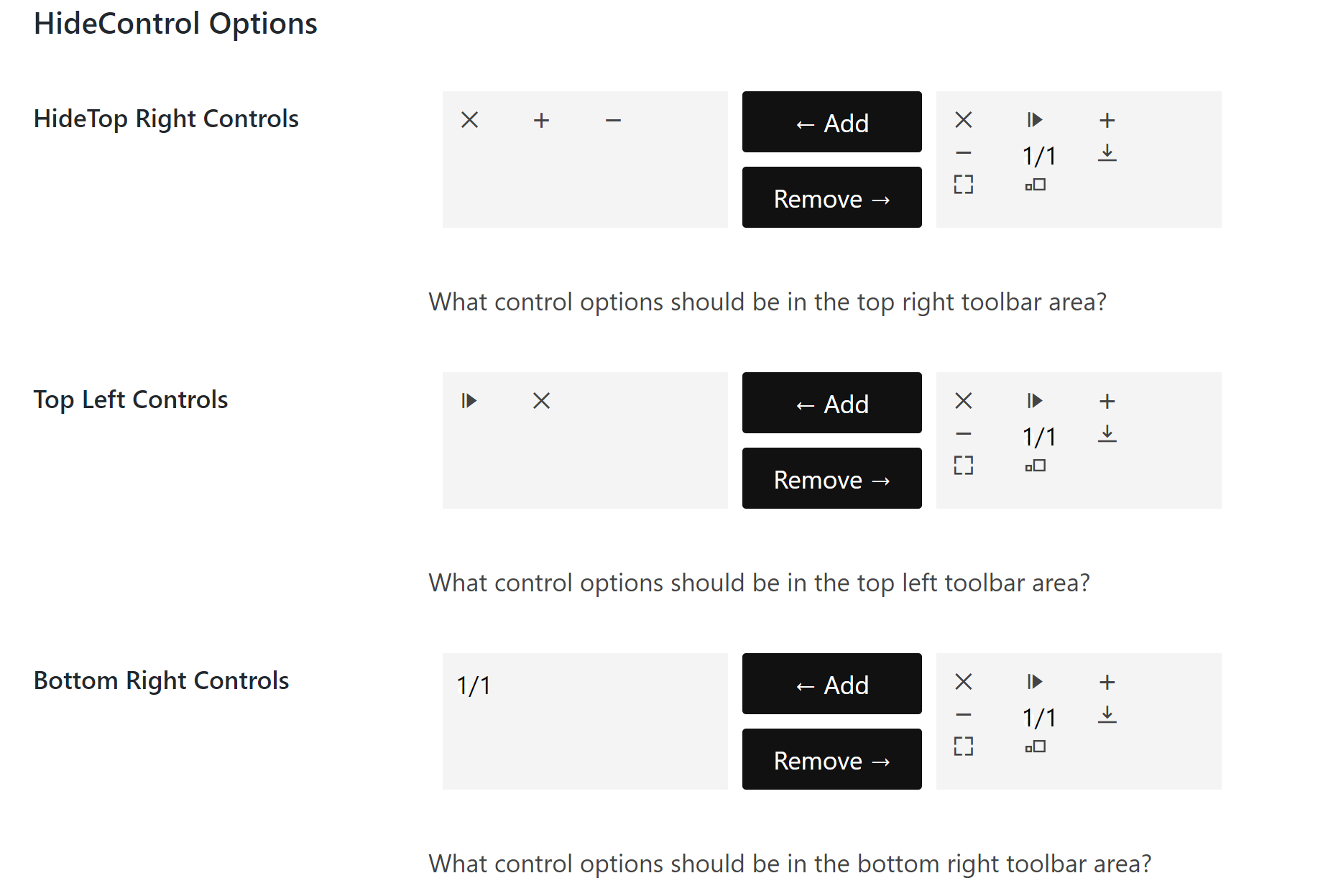
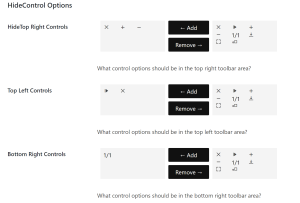
- Choose which controls are displayed in the lightbox, pick which of the control areas each control displays in, and drag-and-drop to rearrange the order of the controls.
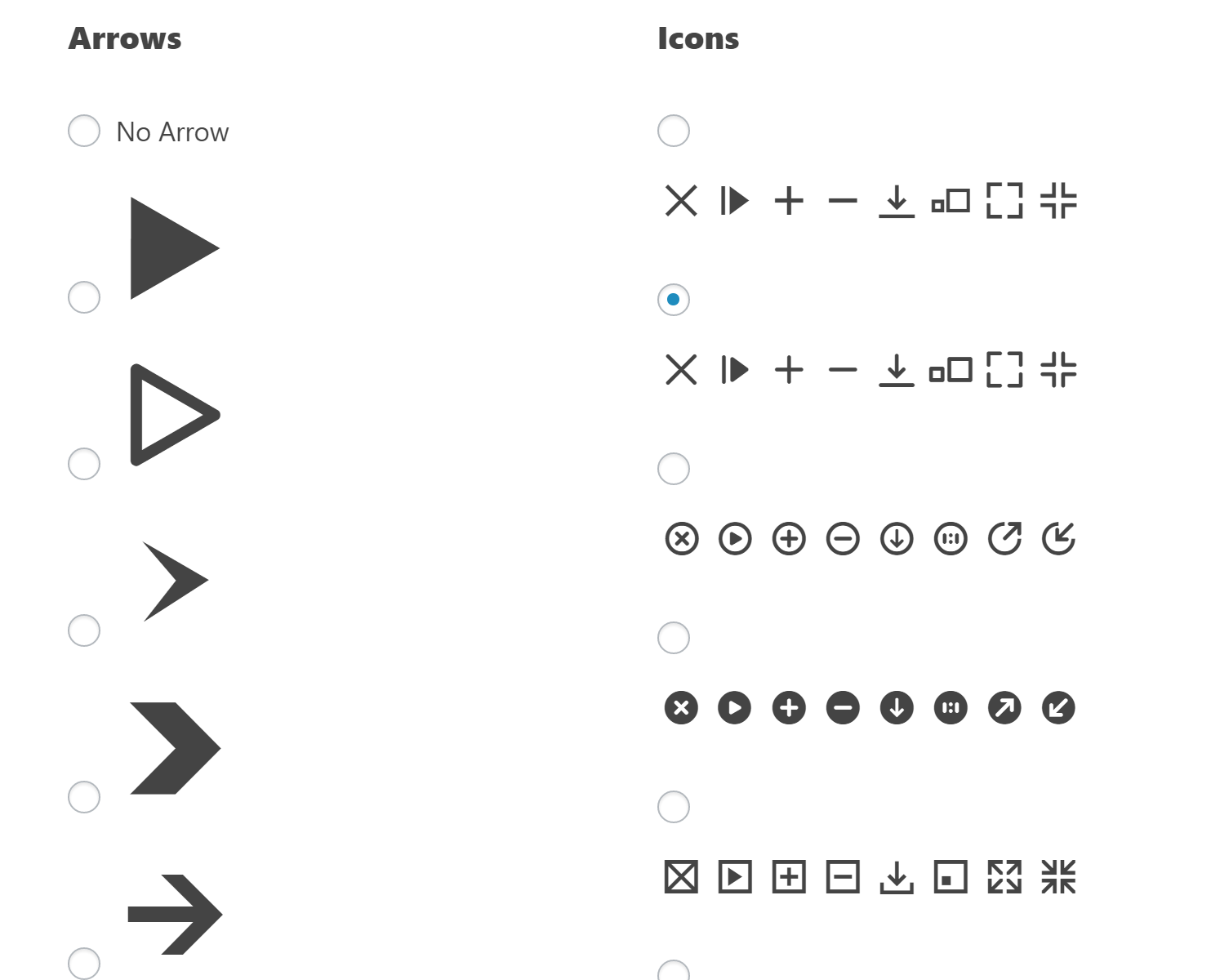
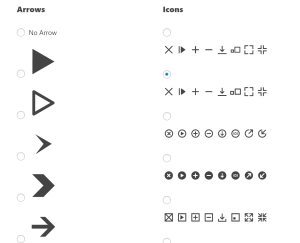
- Pick from 7 different icon sets, and over 20 different arrows.
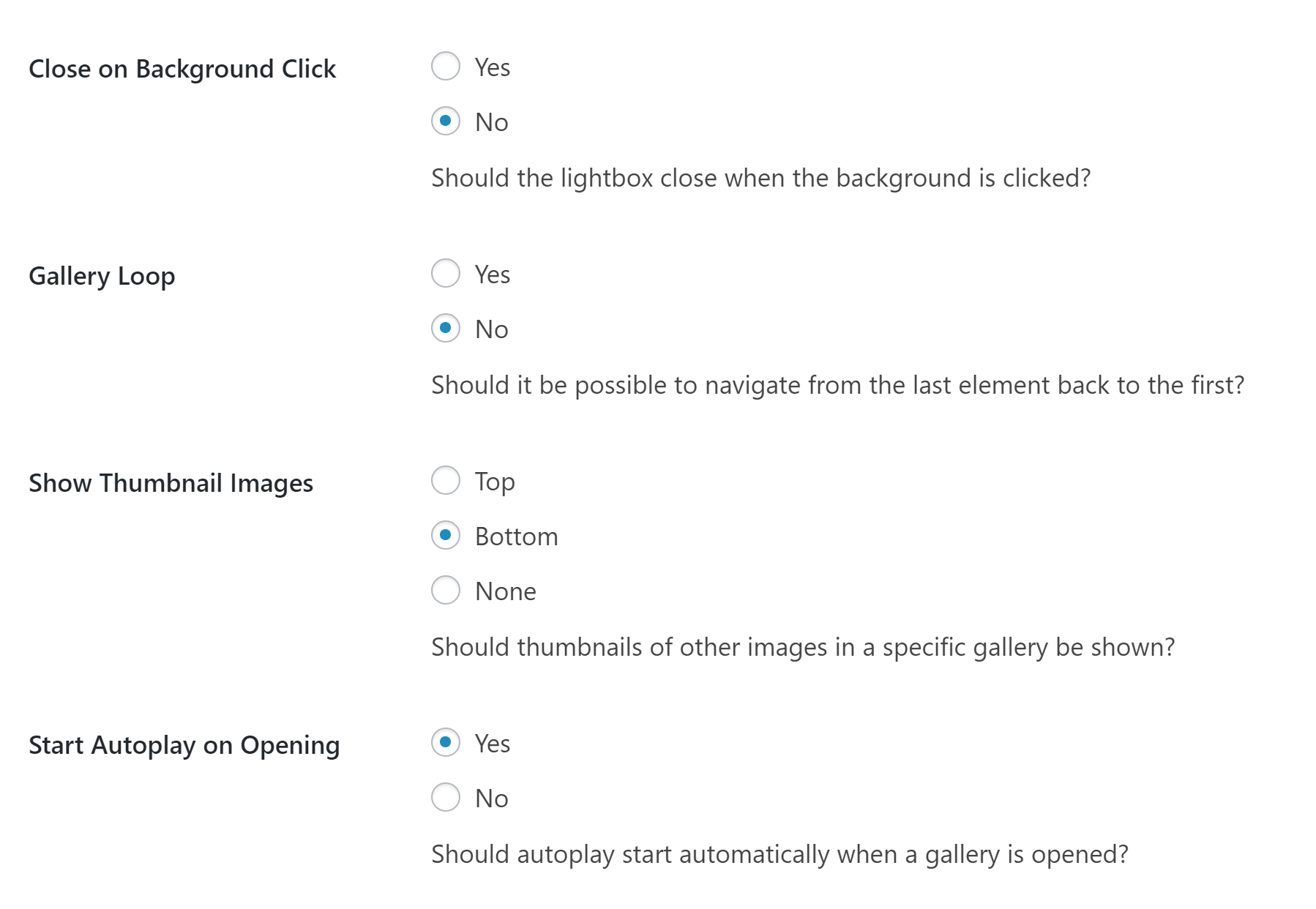
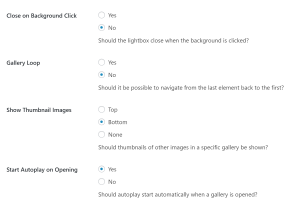
- Tonnes of functionality options, including picking what gets hidden on mobile devices, if and where thumbnails are located, whether images should autoplay, and what transition gets used between images.
- The ability to set the styling and colour of all of the lightbox elements using a simple color-picking tool.